EN
 FR
 DE
 PT
 ES
 AR
 RU

Artwork-led presentation
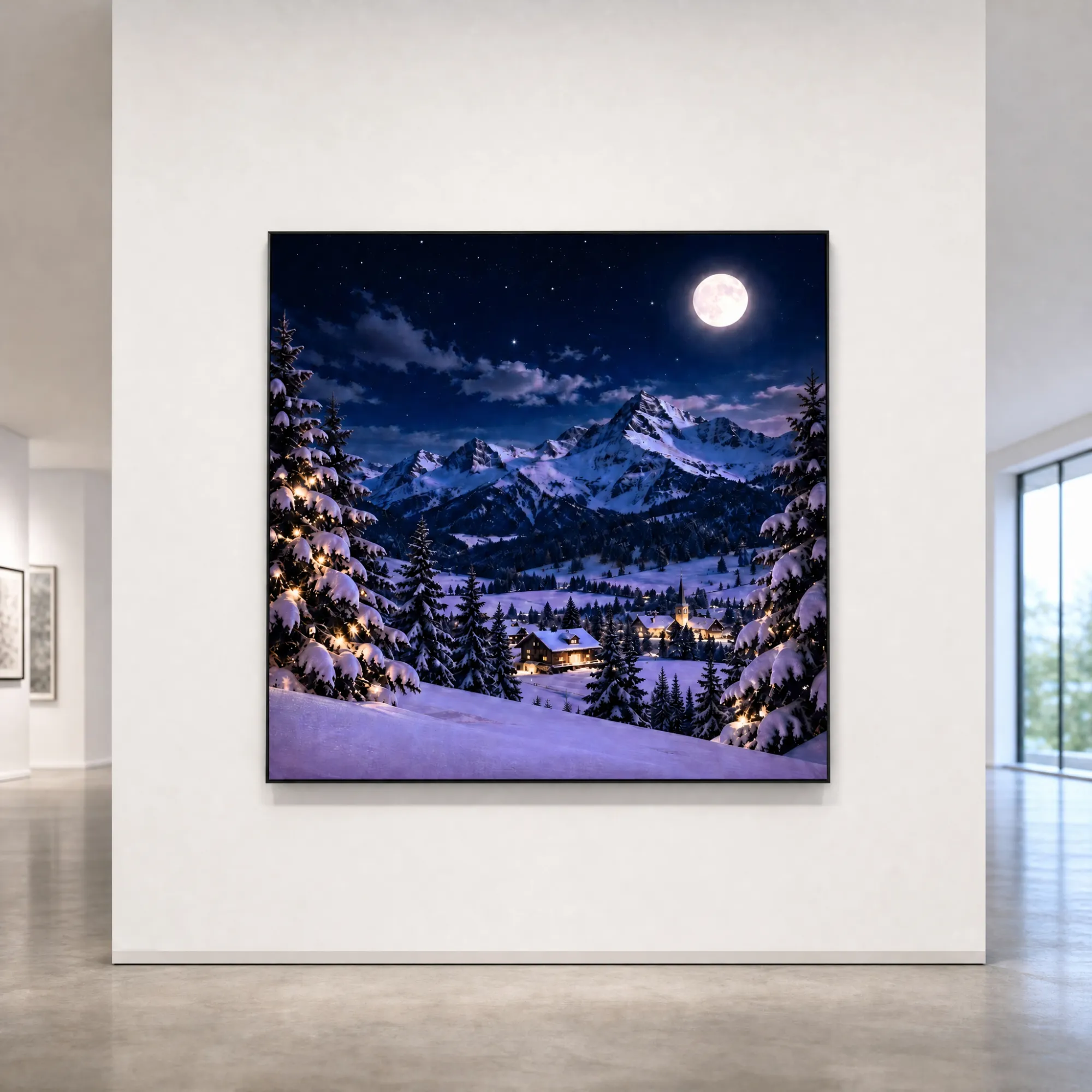
A chapel-in-the-Alps visual gives the product a clear story and a recognizable mood. It works as a focal point in a bedroom, lounge, reception area or quiet hospitality space.

A quiet alpine chapel scene with soft night ambience.
For hospitality buyers, interior project teams and home décor brands looking for a distinctive illuminated wall feature. A well-specified lightbox should look right in the room, be straightforward to install and arrive with the electrical and artwork details agreed in advance.
A chapel-in-the-Alps visual gives the product a clear story and a recognizable mood. It works as a focal point in a bedroom, lounge, reception area or quiet hospitality space.
Integrated LED backlighting brings depth to the printed image and helps the artwork remain visually present in rooms where ordinary framed prints may feel flat.
The wood-grain finish gives the square lightbox a furniture-friendly look that can sit comfortably alongside warm, neutral and contemporary interior palettes.
Use the featured artwork as a starting point. Ask Tianlang about artwork adaptation, branded graphics or a project-specific fabric print before confirming the order.
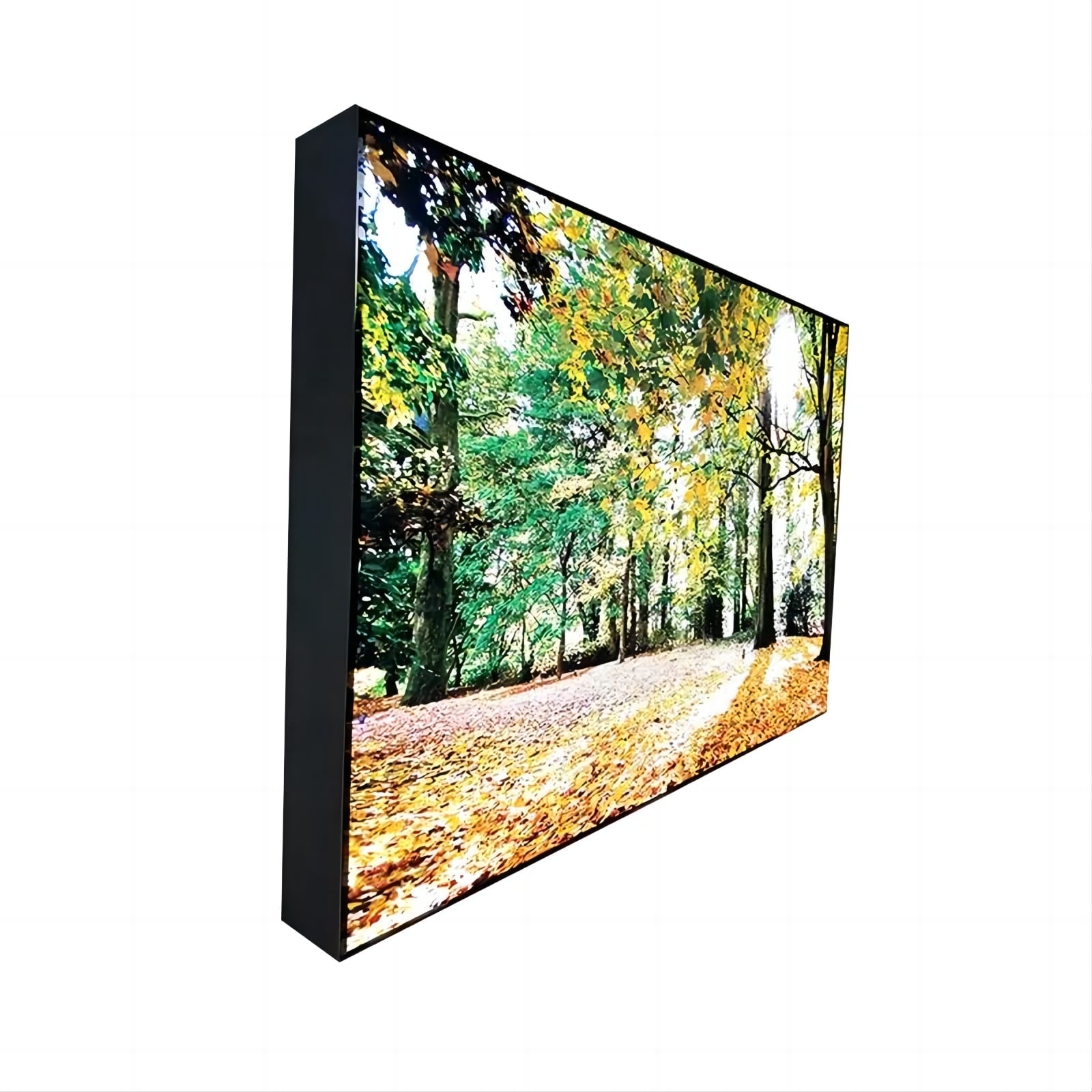
Turn a calm alpine chapel scene into a luminous focal point. The TIANLANG custom fabric lightbox combines printed fabric artwork, integrated LED backlighting and a warm wood-grain look for interiors that need atmosphere without visual clutter.
Custom alpine artwork on fabric
1–100% brightness adjustment
Even LED backlighting
Smart ambient control
| Size | 40x40 in / 100x100 cm |
| Frame | Wood grain finish |
| Light Source | Integrated LED backlit |
| Dimming | 1–100% adjustable |
| Smart Control | App / smart home compatible |
| Installation | Wall-mounted |
| Artwork | Custom printed fabric |
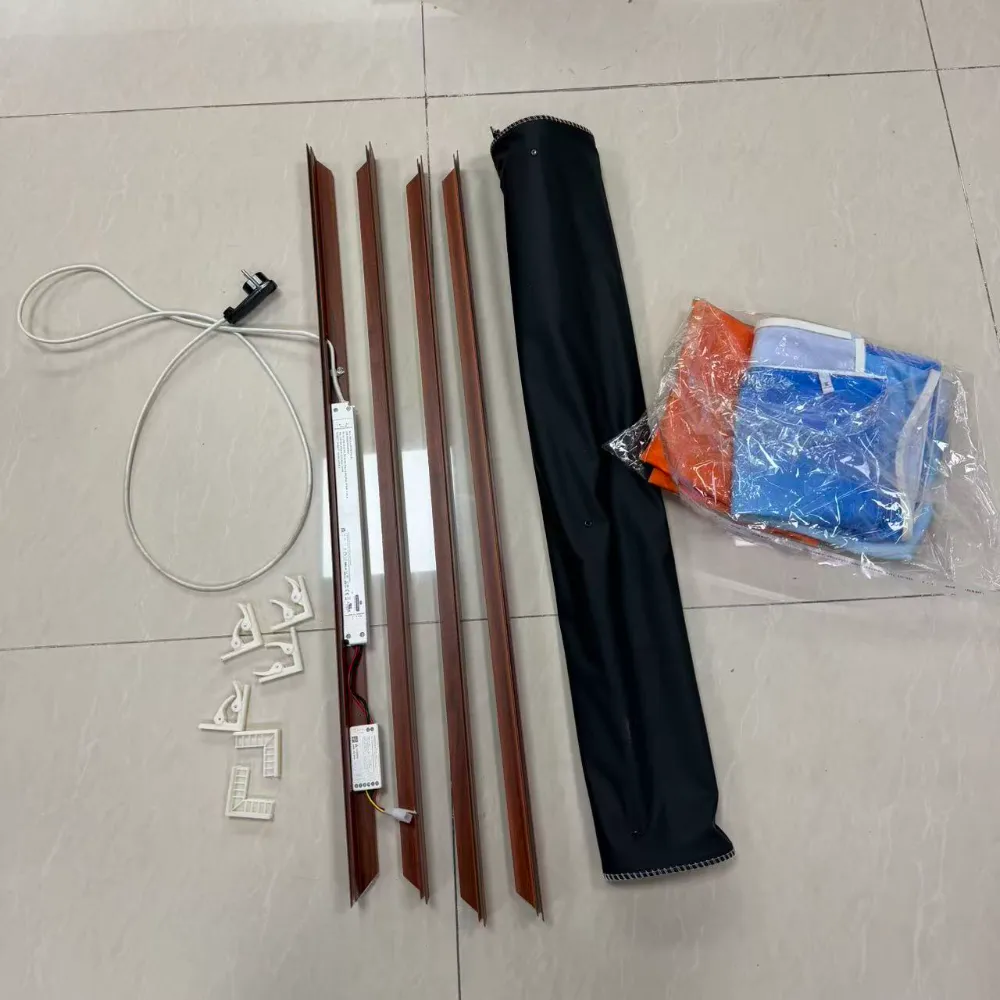
Before starting, unbox the flat-pack export carton and ensure you have all components:
4x Wood-grain aluminum frame profiles
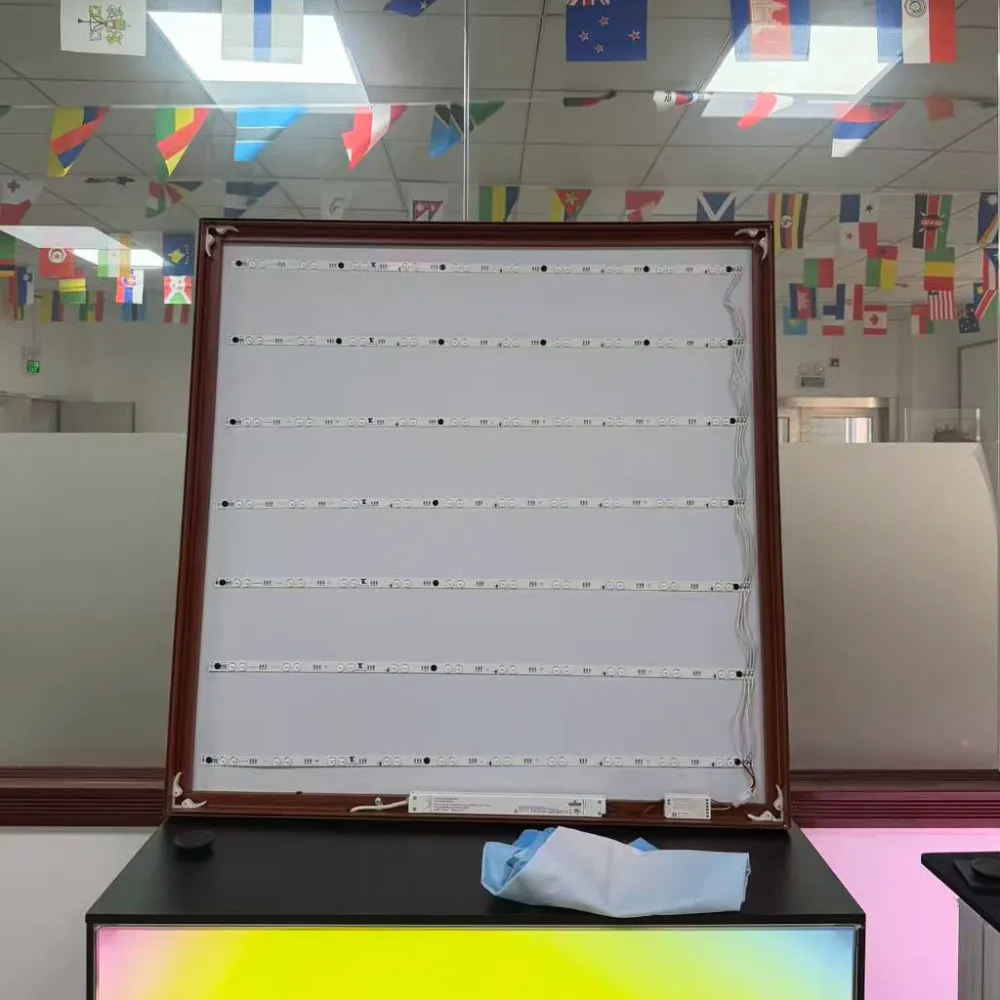
1x Black backing sheet with pre-mounted LED light bars
1x Smart Matter LED controller & Power supply (220V)
2x Printed fabrics (Sunset & Clear Sky) with silicone edges
Quick-lock corner keys & Wall mounting hardware
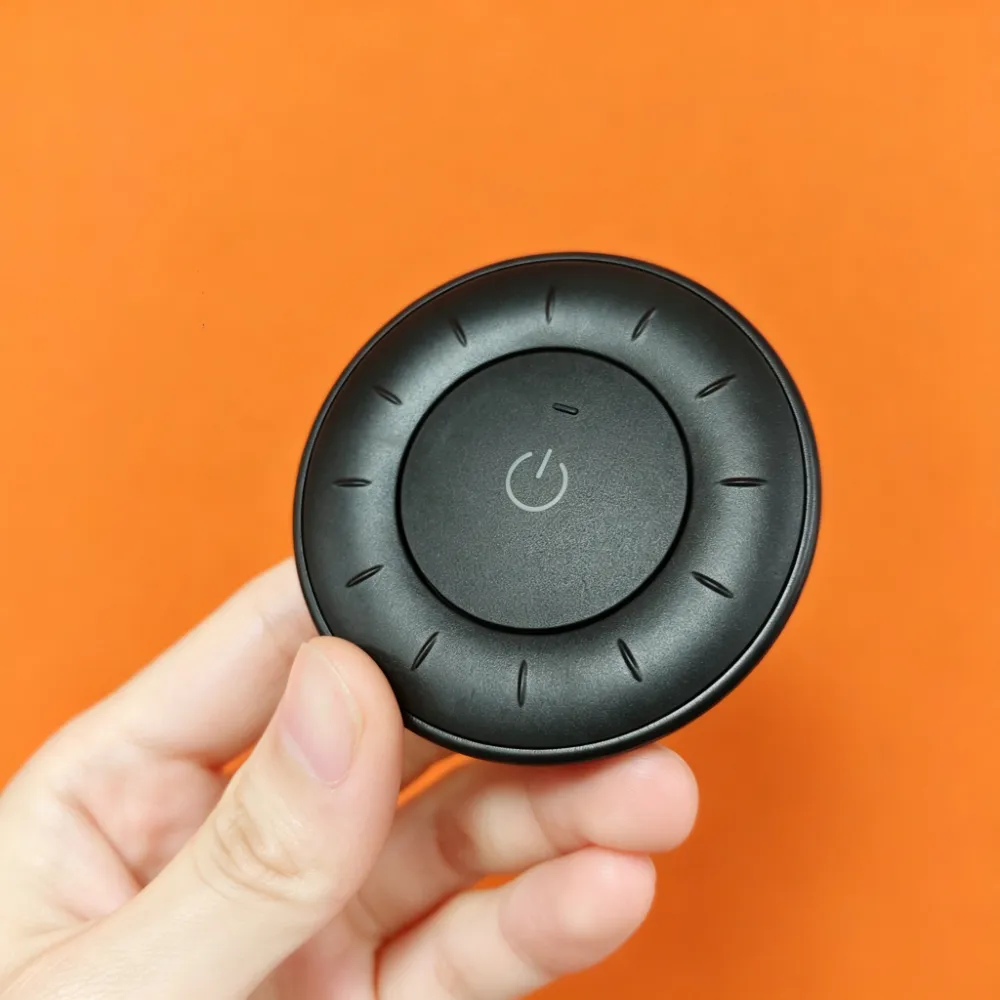
Rotary remote controller
Step 1: Assemble the Frame
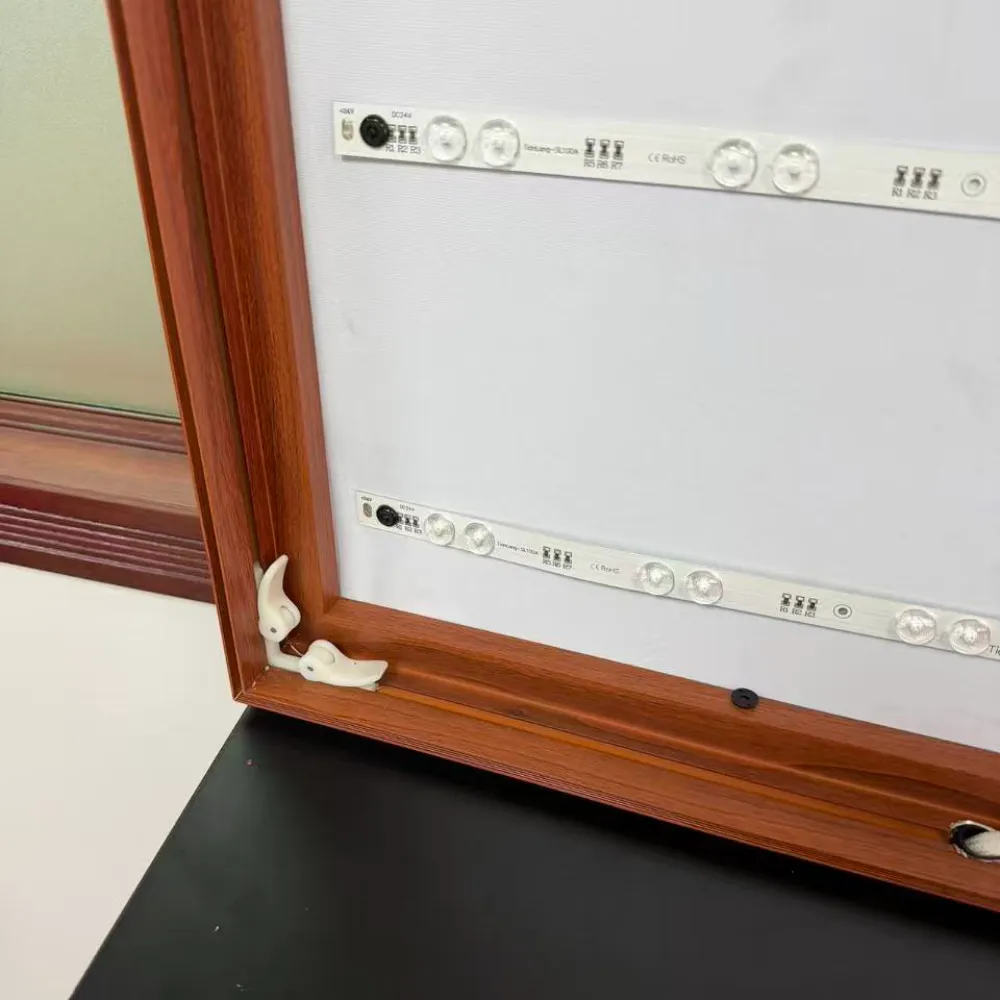
Connect the 4 wood-grain frame profiles using the white quick-lock corner keys. Push them firmly into the corners to create a secure 40" x 40" square.
Step 2: Mount Backing & LED Bars
Place the black backing sheet into the frame , ensuring the wiring is accessible.
Step 3: Connect the Controller
Connect the wiring terminal from the LED light bars to the Matter smart LED controller. This will enable Wi-Fi, App, and Voice control (Apple Home, Google Home, Alexa).
Step 4: Insert the Art Canvas
Lay the frame flat. Take your chosen printed fabric (e.g., the Sunset or Clear Sky canvas) and gently tuck its silicone edge into the groove running along the inside of the frame. Work your way around to ensure the fabric is tight, smooth, and wrinkle-resistant.
Step 5: Mount on the Wall
Use the included wall mounting hardware and template to securely hang the assembled light box on your desired wall. Note: Because it is a large 40x40 inch (101.6x101.6 cm) piece, it is recommended to have two people for this step.
Step 6: Power On & Test
Plug the power supply into a standard outlet. Power on the light box and use the smart wireless dial controller (or your smart home app) to test the dual-color CCT tuning. You can seamlessly transition from the warm Sunset glow to the radiant Clear Sky.
(Note: To change the mood later, simply pop the canvas out of the groove and swap it with the other included fabric!)